

Growth automation / 8 min read
GoHighLevel Automation: Scale Meta & PPC Landing Page Leads
Paid traffic only becomes scalable when every lead has a clear next step. A focused landing page, a reliable GoHighLevel workflow and one visible pipeline turn Meta and PPC clicks into conversations that a team can act on quickly.
Published: October 28, 2026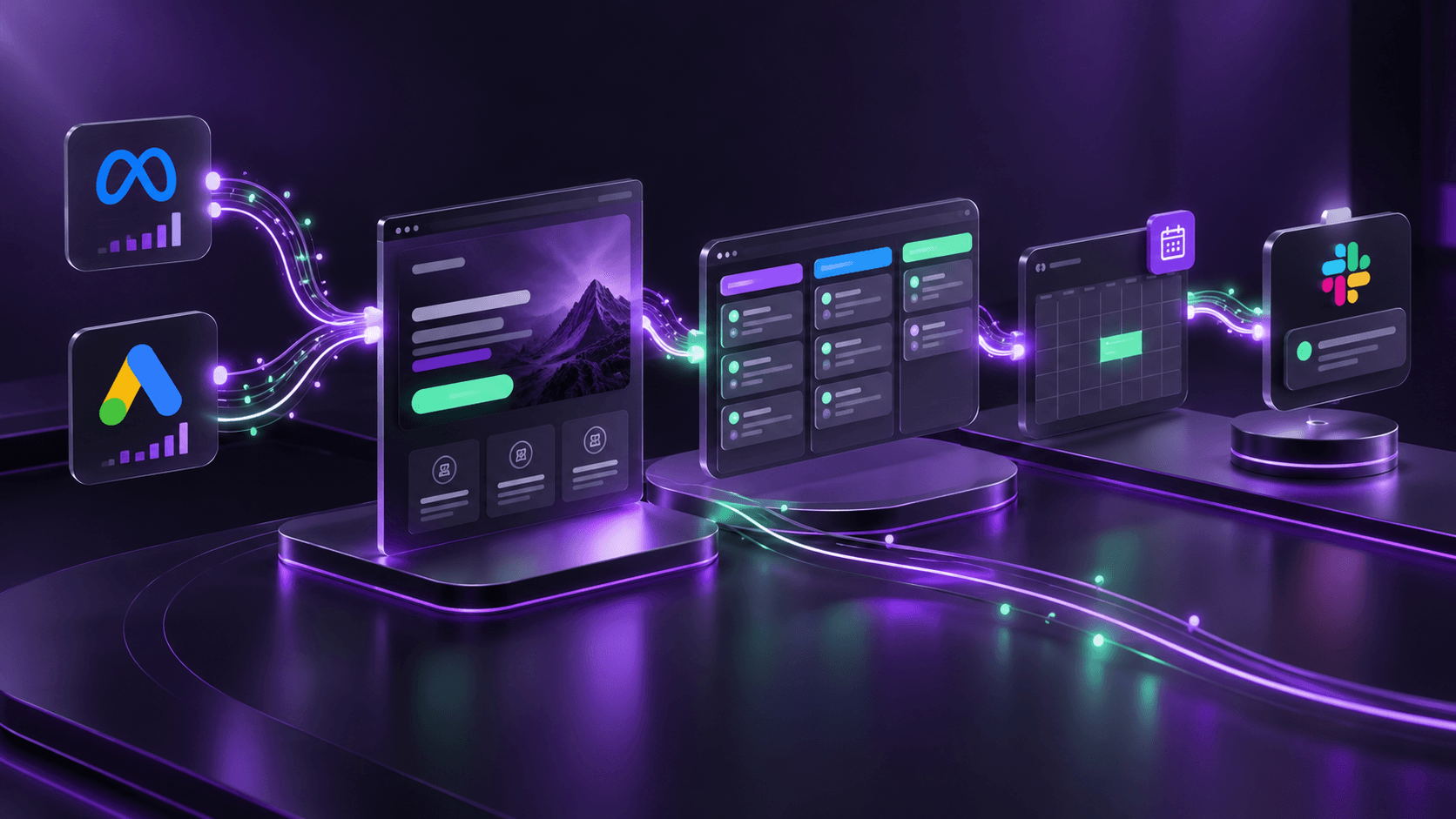
The real job starts after the ad click
Meta and PPC campaigns can create attention quickly, but attention is not a sales process. If form data lands in different inboxes, spreadsheets or disconnected CRM stages, response time slows down and ad spend becomes difficult to evaluate.
A stronger system connects the campaign, landing page, form, pipeline, calendar and follow-up sequence. The outcome is simple: every relevant enquiry enters the same operating workflow, has an owner and receives an appropriate next action.
Build the landing page around one conversion decision
A paid-traffic landing page should make one primary action easy to understand: request a quote, book a call, start an application or ask for a review. Keep the message aligned with the ad promise, show the proof needed for that decision and remove navigation paths that pull attention away from the conversion.
The form should ask only for information the team will use. Extra fields can create friction; too little information can create weak qualification. The right balance depends on the offer, ticket size and how much follow-up capacity the team has.
Route every relevant form into one pipeline
A single GoHighLevel pipeline gives sales and delivery teams one view of the lead journey. Landing-page forms, embedded forms, booking requests and campaign-specific forms can all create or update an opportunity in the correct stage instead of creating parallel lists.
Use source, campaign, offer and page fields to preserve context. A person who arrived from a Meta lead campaign should not receive the exact same workflow as a high-intent PPC visitor who has requested a call. Structured fields make segmentation, reporting and handover much more reliable.
- Create a clear initial pipeline stage such as New lead or Needs review.
- Prevent duplicate contacts before creating another opportunity.
- Record the campaign source, landing page and selected service with the lead.
- Assign an owner or queue immediately, with a fallback for unassigned leads.
- Move the opportunity only when a meaningful sales action has occurred.
Use booking calendars to shorten the handoff
For offers that need a consultation, a GoHighLevel booking calendar can turn a motivated visit into a scheduled conversation. The confirmation page, reminder sequence and calendar event should all carry the same offer and campaign context so the call starts with useful information.
Not every lead should be pushed straight to a calendar. Lower-intent offers may need a short qualification sequence first. The workflow should match the buying journey instead of forcing every visitor through the same step.
Send Slack notifications that help people act
Slack alerts are useful when they contain enough context for a fast response: contact details, campaign source, selected service, pipeline stage and booking time where applicable. A generic notification that only says a form was submitted still forces someone to open multiple tools before taking action.
Use trigger conditions carefully. Notify the right channel for a new qualified lead, a booked call, a failed booking or an escalation—not every background update. This keeps the system helpful rather than noisy.
Measure the journey with GTM and Clarity
Tracking should answer practical questions: which campaign creates qualified leads, which landing-page section loses attention and whether visitors reach the intended form or booking action. Google Tag Manager can keep conversion tags and event logic organised, while Microsoft Clarity helps expose friction through session behaviour and heatmaps.
For third-party buttons inside an iframe, the parent page cannot automatically inspect every interaction because the embedded content may be isolated by browser security. Track with the provider's supported events, a postMessage integration when the embed supports it, or a reliable downstream confirmation such as a submitted form or booked appointment. Then verify the event in browser developer tools and the destination analytics platform.
A practical launch checklist
Before increasing ad budget, test the full journey like a real prospect. Submit each form, check that the opportunity reaches the right pipeline stage, confirm the owner and Slack alert, test calendar availability and verify the conversion event in GTM and the ad platform.
This end-to-end test is what turns a collection of tools into a dependable acquisition system. It also makes optimisation safer: you can change a headline, audience or offer while trusting that qualified leads will still reach the correct place.
- Test desktop and mobile landing-page journeys on real devices.
- Submit every campaign form and inspect the pipeline fields and ownership.
- Book a test appointment and verify reminders and team notifications.
- Validate GTM events and ad-platform conversions before spending more budget.
- Review Clarity recordings and heatmaps for friction, then make one measured improvement at a time.
Explore related work
Frequently asked questions
Can GoHighLevel collect leads from Meta and PPC landing pages into one pipeline?
Yes. A well-planned workflow can send relevant landing-page and campaign forms into one pipeline while preserving source and offer information for attribution, qualification and follow-up.
Can a landing page trigger a Slack message when a lead books a call?
Yes. A booking or qualification event can trigger a targeted Slack notification containing the lead context and appointment details needed for fast follow-up.
Can GTM track a button inside an iframe?
Sometimes, but not automatically across every third-party iframe. The embedded provider must expose an event, support postMessage, or provide a reliable completion state to track. Verify each implementation in the browser and the analytics destination.
Why use Microsoft Clarity alongside GTM?
GTM records defined conversion events, while Clarity helps reveal how visitors behave before those events. Together they help teams find both the performance result and the page friction behind it.
Need this implemented?
Discuss a WordPress, WooCommerce, Shopify or custom integration project directly with Abdullah.
Discuss your project